Brownsville Traffic Camera Evidence: 2026 Request Guide
By Mason ArnaoPublished

By Mason ArnaoReviewed by Mason Arnao
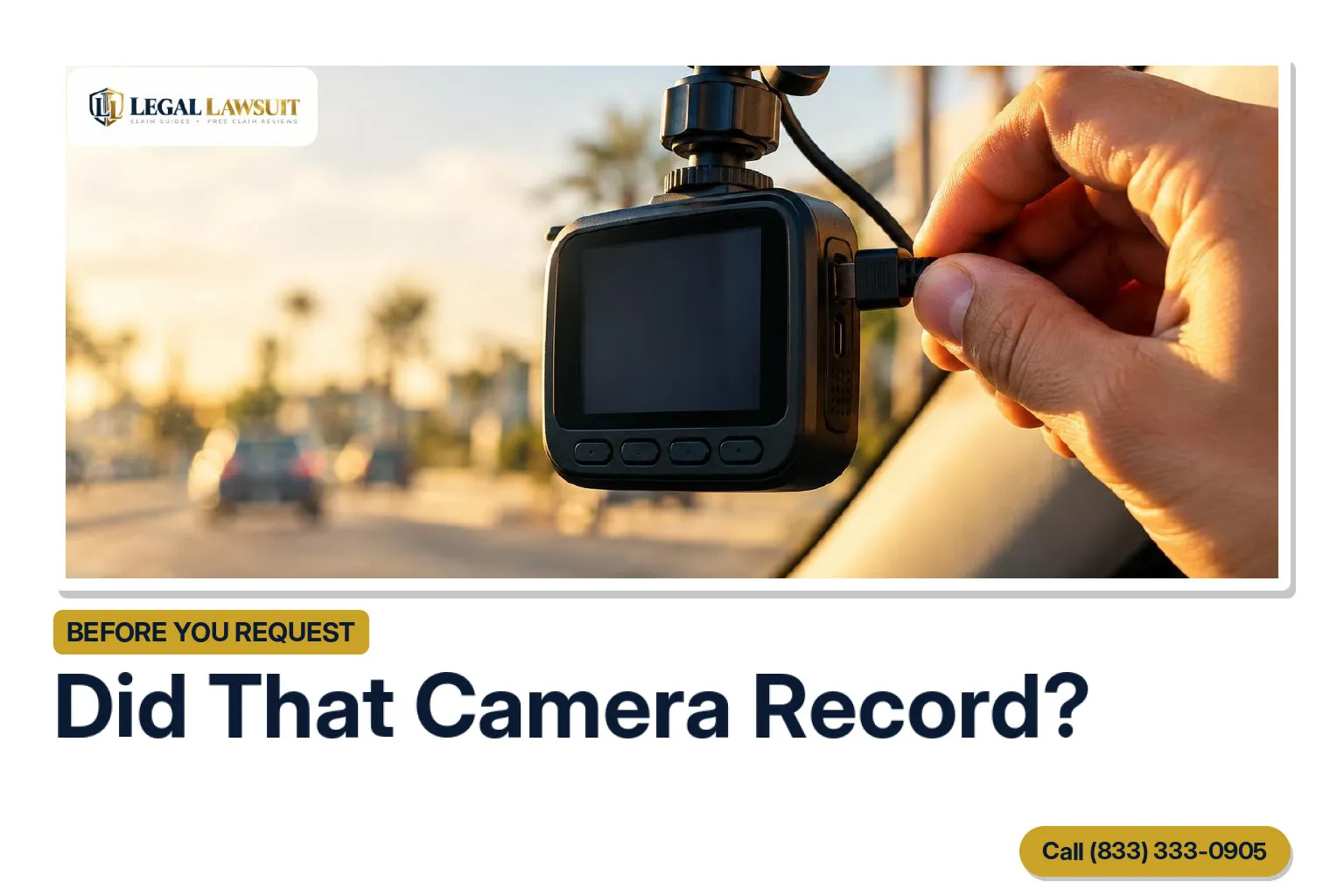
To find Brownsville traffic camera evidence, first identify who operates the camera and ask whether it recorded your crash. For city records, use Brownsville’s published public-information request routes; that page separately directs police-records requests to the Police Department’s process. If the camera belongs to TxDOT, its traffic cameras provide real-time monitoring only and do not record footage—but that does not tell you whether a city, police, or private camera recorded anything.
This guide explains how to describe the recording you want, understand a delay or no-records response, look for other video, and keep any recording with its source information.
First, check whether the camera recorded your crash
Start by identifying who operates the camera and asking whether an existing recording covers your crash location and time. A camera you noticed near the scene—or a live feed you can view online—is not, by itself, confirmation that footage is available to request.
For TxDOT cameras, the answer is clear: TxDOT’s official traffic-camera notice states that its camera footage is not recorded and that its cameras provide real-time monitoring only. That statement applies to TxDOT cameras, not every city, police, business, or residential camera in Brownsville.
If another operator may have video, ask these questions before preparing a detailed footage request:
- Who operates this camera? Give the intersection, street address, or nearby landmark so the person answering can identify it.
- Does it record, or is it live-view only? Ask about the specific camera rather than assuming all of the operator’s cameras work the same way.
- Do you hold a recording for this event? Provide the crash date, approximate time and time zone, location, and direction of travel.
- Does the recording show the relevant area? Explain which approach, lane, or part of the intersection you are trying to locate.
The goal is to identify a specific recording and the person or office that holds it. If you cannot identify the operator, keep notes about the camera’s location and appearance to help explain which device you mean when you ask.
Use Brownsville’s published city or police request route
Start with Brownsville’s public-information instructions. The city provides an online city-records request route and written submission options, while separately directing police-records requests to the Police Department. The instructions explain that requests cover existing information, that disclosure exceptions may apply, and that processing costs may apply.
Follow the route on that official page that matches the records you want. For a city-records inquiry, use the published city submission options. For a police-records inquiry, follow the separate Police Department direction. Do not assume that Public Works holds every intersection recording or that one request will reach every possible camera operator.
Keep a simple request log so you can tell which office you contacted and what you asked it to search for:
- Save a copy of the request exactly as submitted.
- Keep any submission confirmation or reference number with that copy.
- Track city and police inquiries separately, including submission dates and replies.
For additional background, see our guide to obtaining traffic camera footage and police reports. Use it to understand the broader evidence-gathering process, not as a substitute for Brownsville’s published request instructions.
Describe the exact recording you want
Give the records staff enough detail to identify the footage you are asking for. Brownsville’s public-information guidance explains that requests cover existing records; the city does not have to create a record to answer your request.
The following are drafting suggestions, not legal requirements. Include the details you know:
- Location: The intersection or street address where the crash happened.
- Date: The crash date.
- Time window: A start and end time, including the time zone. If your timing is approximate, say so.
- Direction of travel: For example, northbound on the street approaching the intersection.
- Vehicle description: Color, make, model, or other identifying details you know.
- Incident number: Include it if available.
Adaptable request wording
“Please provide any existing camera recording showing [location and direction] on [date] between [start time] and [end time, time zone]. Please let me know if you need more detail to identify the requested recording.”
You can add your vehicle description and incident number after that wording. Keep uncertain details clearly labeled rather than guessing.
Optional preservation inquiry
You may separately ask: “If a relevant recording is held, please confirm whether it can be retained while this request is processed.”
This is an inquiry about retention—not a legal hold or proof that deletion has stopped. Keep it separate from the description of the recording so both parts of your message are clear.

Understand a delay, withholding notice, or no-records response
A delay does not necessarily mean your request has been denied. Under the framework explained in the Texas Attorney General’s 2026 Public Information Act Handbook, public information must be produced promptly, but ten business days is not a universal delivery guarantee. If the office determines that no responsive information exists, it must give you written notice by the tenth business day after receiving your request. The Attorney General also offers an informal complaint process for public-information concerns.
Read the actual response before following up. Identify what the office is telling you:
- It has no records matching your request.
- It needs clarification to identify the recording you want.
- It expects the records to be available later.
- It is withholding some or all of the requested information.
Tailor your follow-up to that response rather than simply resending the request. Include your original request, any receipt confirmation or tracking number, and the office’s response. Keep the question concise: “Please confirm the status of my request and let me know what action or clarification you need from me. I have included my original request, confirmation, and your response for reference.”
If the response remains unclear, consider the Attorney General’s informal complaint process. This discussion concerns ordinary traffic-camera records, not specialized body-camera procedures. Do not treat these general response rules as a promise that an investigation-related recording will be released.
If no government recording is found, ask about other video
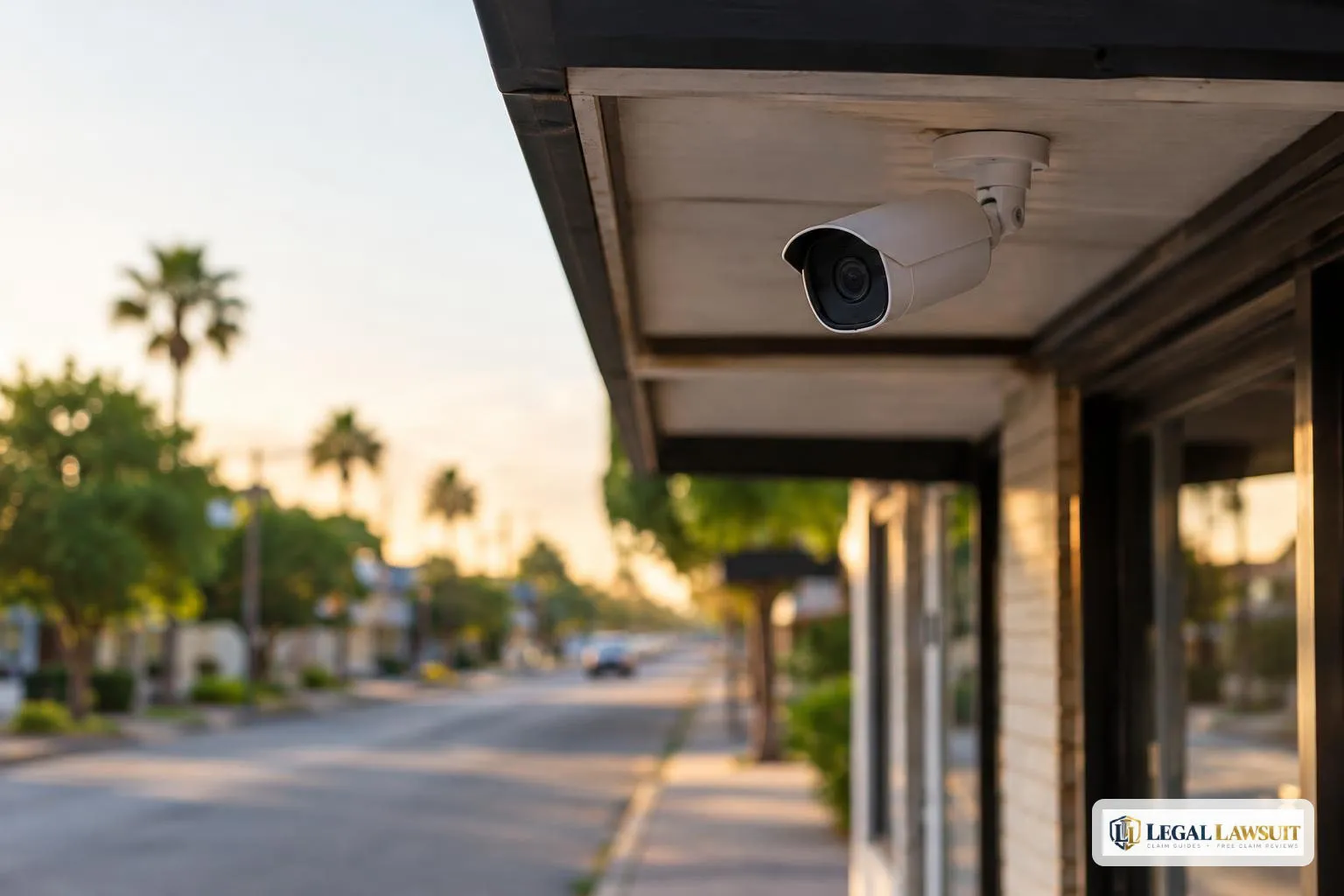
Your next step can be to ask people near the crash location whether they have video. Consider nearby businesses, homes with cameras facing the street, witnesses who may have recorded the scene, and drivers with dashcams. Treat these as possible leads—not confirmation that anyone captured your crash.
When contacting an owner, give the crash date, approximate time, location, and direction of travel. Keep the request focused on the relevant stretch of road rather than asking for an entire day of footage. You can ask:
- Does a recording exist for that date and time?
- Does the camera’s view cover the relevant direction, intersection, or lane?
- Would you be willing to retain and share the relevant segment, including a little time before and after the crash?
For a witness or dashcam owner, ask whether the video shows the vehicles approaching, the collision, or what happened immediately afterward. Frame this as a request for their help, not a demand or an assumption that they will provide a copy.
Keep a simple contact log: whom you contacted, when, how to reach them again, and their answer. Record “no recording available” too, so you can distinguish a checked lead from one that still needs follow-up.
Keep the recording and its source information together
Keep the video with the messages and details that explain where it came from. The following are practical organization suggestions, not requirements for how an insurer or court will evaluate it:
- Retain the file as received. Keep an untouched copy rather than replacing it with a trimmed, enhanced, or converted version.
- Make a backup. Store a second copy somewhere you can find it later. Use a clearly named folder to keep related materials together.
- Save the source information. Keep the sender’s email or message, download instructions, and any explanation of the camera’s location, viewing direction, or displayed time.
Write down gaps or uncertainties as questions in a separate note. For example: “Does the displayed time match local time?” or “Is there another file covering the missing interval?” Do not assume the timestamp is accurate or edit away an unexplained gap. Keep your observations separate from any explanation the sender provided.
Before submitting the recording, ask your claim handler how to send a video file. Keep a copy of exactly what you sent, along with the submission message and any confirmation you receive.
If you were struck while walking, the guide to filing a pedestrian accident insurance claim may help you organize questions for your claim handler.
Keep researching on Legal Lawsuit
Frequently asked questions
Does TxDOT keep recordings of its Brownsville traffic-camera feeds?
No. TxDOT states that its traffic-camera footage is not recorded and its cameras are used only for real-time monitoring. That notice concerns TxDOT cameras, not every camera near a Brownsville intersection. Before requesting footage, try to identify who operates the camera rather than assuming a visible traffic feed has a saved recording.
Where do I submit a Brownsville camera-footage request?
Start with Brownsville’s published Public Information request routes. The city also directs police-records requests to the Police Department’s separate process. Choose the route that matches the department you believe holds the recording. If you are unsure who operates the camera, explain that uncertainty and ask which department should receive your request.
What details should I include when asking for an existing recording?
Make your description as specific as you can: the crash date, approximate time, intersection or street address, travel direction, and a narrow time window around the collision. Add a camera description or nearby landmark if helpful. Ask for an existing recording matching those details, and consider including a crash-report number if you have one.
Does Texas require the actual footage to arrive within ten business days?
No. The Texas Attorney General’s 2026 Public Information Act Handbook explains that records must be produced promptly, but ten business days is not a universal production deadline. For your follow-up, identify the original request and submission date, then ask for its status and an estimated availability date rather than assuming the footage is overdue.
What can I do if the agency says it has no responsive records?
Compare the response with your original request. Did you identify the right intersection, date, time window, and department? If something was unclear or incorrect, send a focused clarification. You can also ask whether another department might hold the recording. Keep the no-records response with your request so you can track what you asked for and where you looked.
Sources
- See live traffic cameras · Texas Department of Transportation
- Public Information · City of Brownsville
- Public Information Act Handbook 2026 · Office of the Attorney General of Texas
This article is general information, not legal advice. Laws and deadlines vary by state and change over time; check the linked sources or speak with a licensed attorney about your situation.
Related Posts

An adjuster sent you a medical release to sign after your crash. Here is what a broad authorization can unlock, how a release to your own insurer differs from one to the other driver's insurer, how to narrow it, and how to get your records yourself under HIPAA.
Who covers your rental after a crash depends on fault, the coverage you bought, and whether your car is repaired or totaled. This guide covers the three ways a rental gets paid for, what limits the rental, and what to do while the other insurer is still deciding fault.
Build a practical family plan for phone use, passengers and distractions before your teen drives. Find a separate path to claim guidance if a crash has already happened.